Android · Bluetooth
WindTouch WindTouch
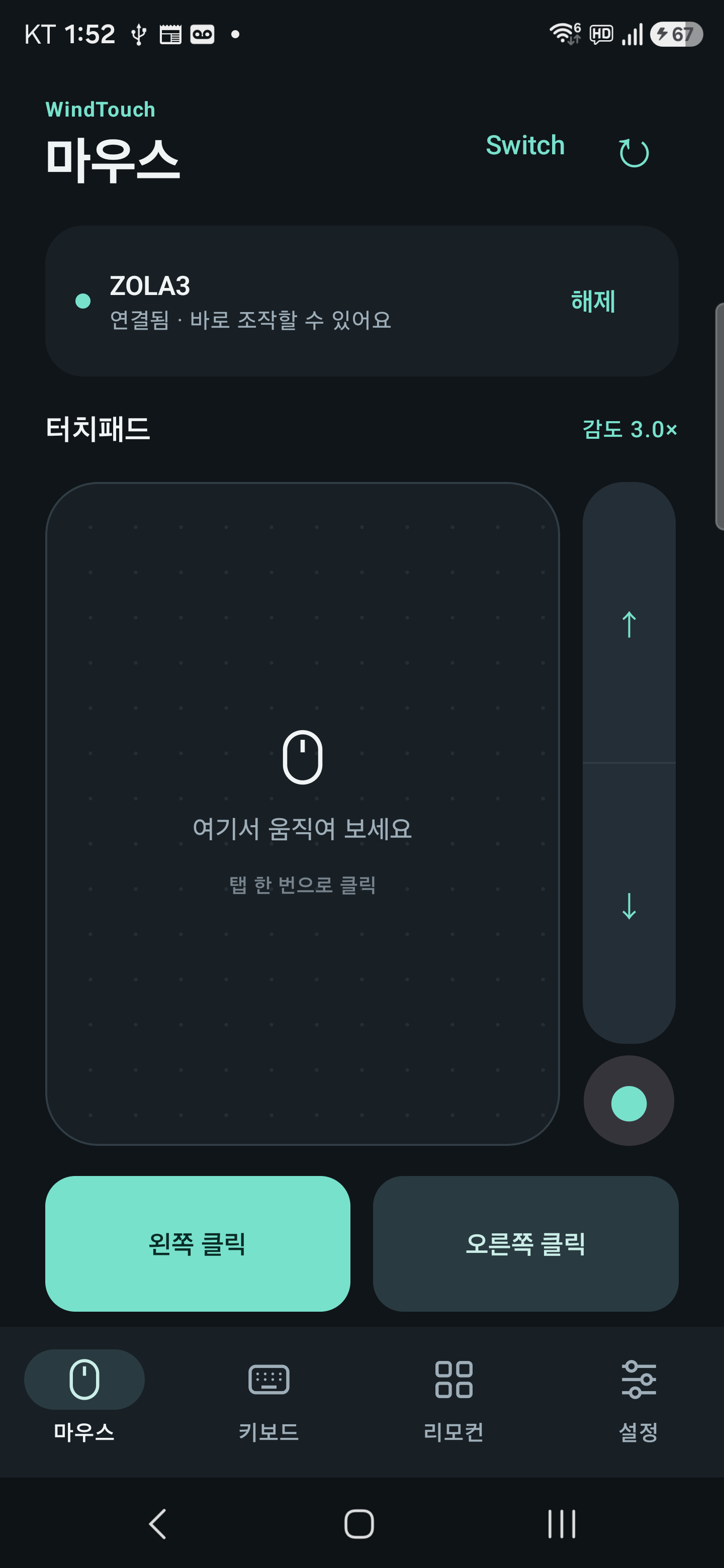
Your phone becomes a mouse, keyboard, and remote control.
Connect via Bluetooth to TV and PC to move the cursor, type text, and control TV channels and volume. No separate receiver program is required for the PC. Samsung, LG, and Android TVs can also connect over the same Wi-Fi to open apps like Netflix and YouTube with just one button.
- Touchpad and vertical wheel
- Keyboard, shortcuts, numeric keypad
- Media control and left-hand user settings
Internal test distribution in progress · mainly being verified on Windows 11